
You can login to a workstation when the POS program has been opened: enter the PIN code in the POS PIN Code field and press Login.
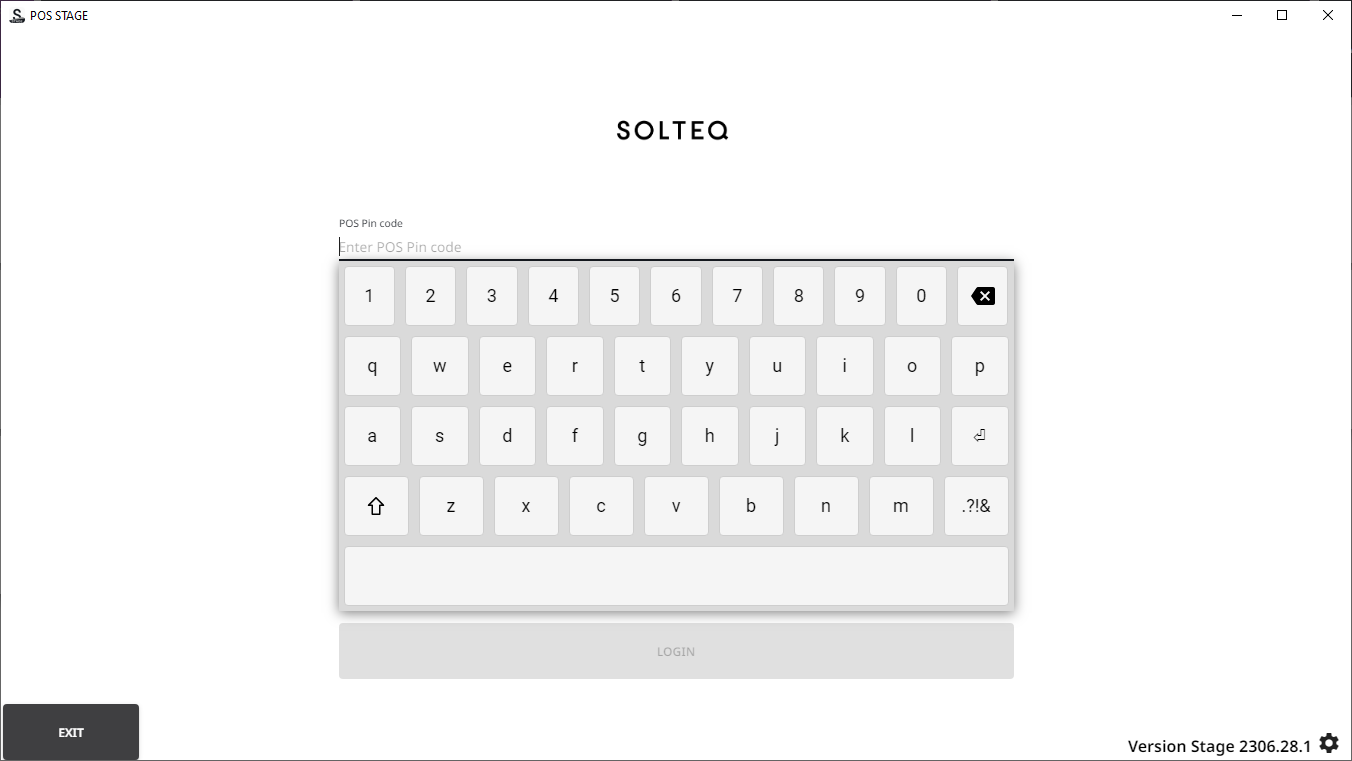
PIN codes can be viewed and changed (if you have sufficient permissions to do so) in the Identifier settings of the POS user.
It is also possible to use other login options, such as logging in using strong identification and the same user as in the Back Office. In this case the POS user must have a company Microsoft or Google Account. This function can be activated in the POS Login Options of Company Configurations. This way users can use SSO login in their own workstation, as long as the user name is saved in the browser.