
POS generates a barcode for every created receipt. The barcode can be used to find a receipt in the POS: When the barcode is scanned, the receipt will be displayed in the receipt list.
You can also search for receipts by pressing Menu and selecting Find Receipt in the POS. The Receipts view is displayed.
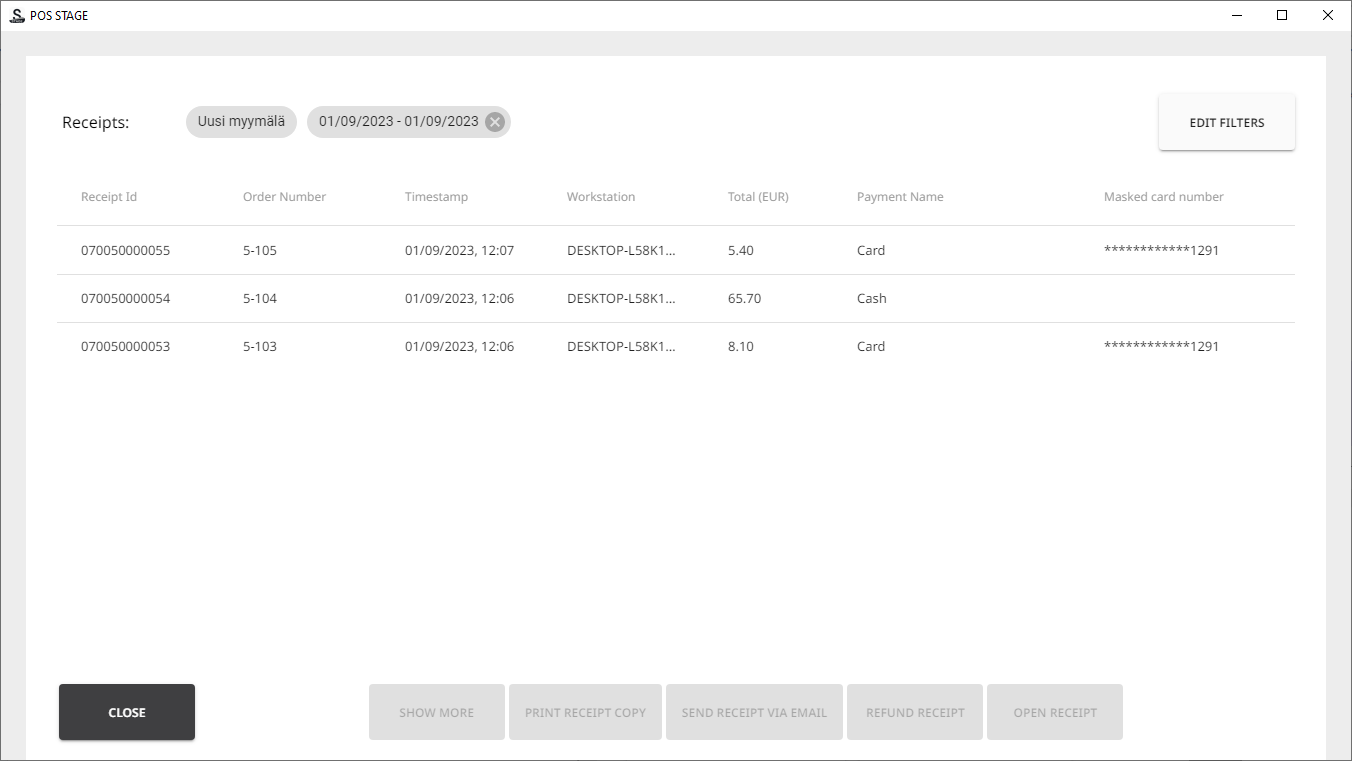
You can change the filtering criteria in the receipt list by pressing Edit Filters. The Filters view is displayed.
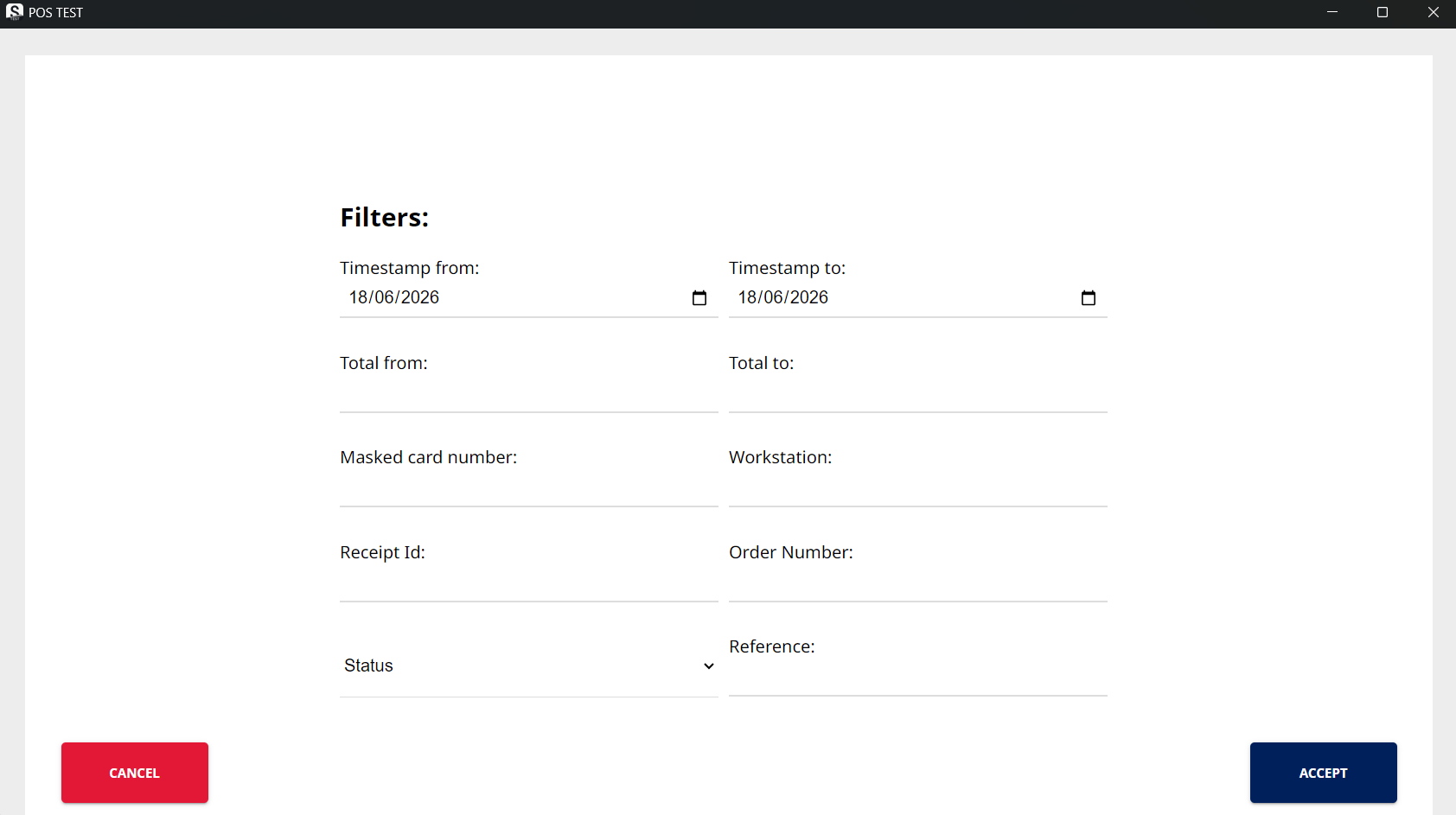
You can narrow down the list of findings, using time range, receipt total sum, and workstation as criteria. You can also find receipts based on the receipt ID or status.
Receipts for purchases made with a card can also be searched by entering the masked card number in the receipt.