
To select the delivery method for the contents of the Basket:
-
When all the products of the order have been added to the Basket, press the Delivery action tile.
-
Select the delivery type from the available options.
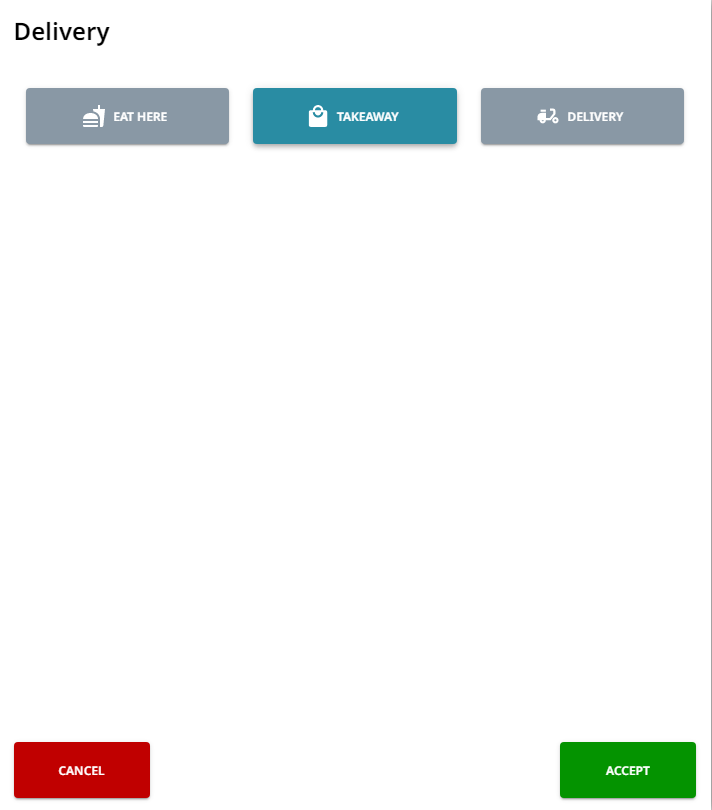
Selecting the delivery type -
If you selected the Delivery option, enter the delivery details. Phone number and Street Address 1 are mandatory, while others are optional.
-
Phone number
-
Phone number must start with + and include a country code.
-
-
Email
-
Street address 1
-
Street address 2
-
Postal code
-
City
-
First name
-
Last name
-
Comments
-
Payment on delivery: Yes/No.
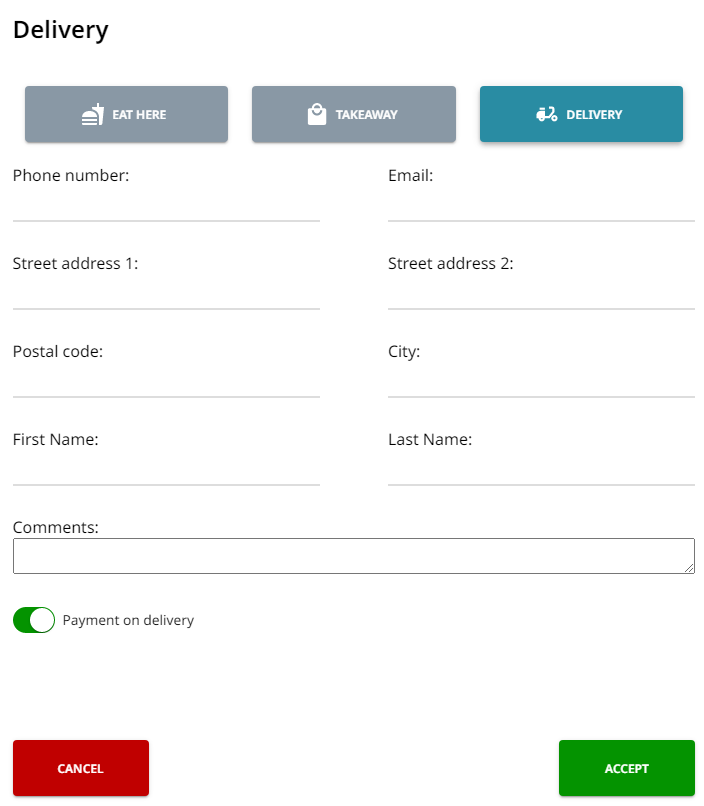
Delivery details
-
-
-
Press Accept. The selected delivery method is now visible in the Basket.
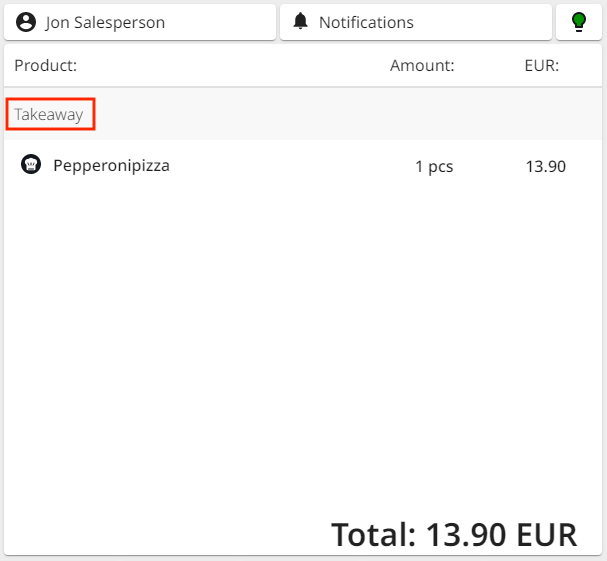
Delivery method visible in the Basket