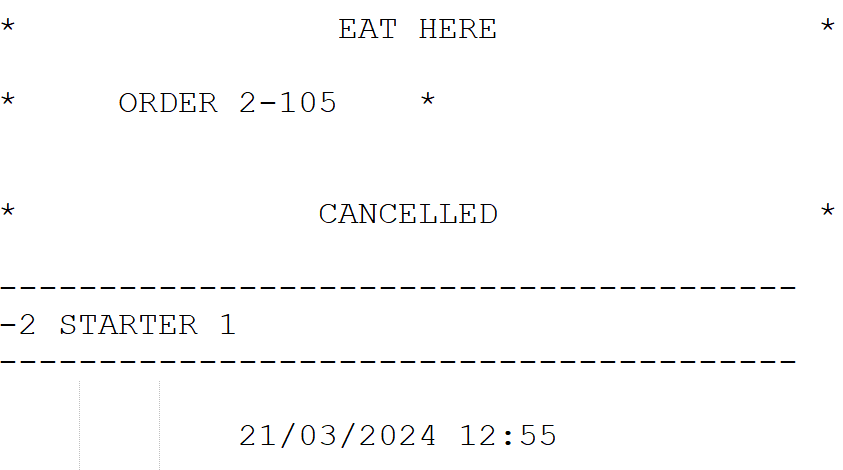
Sending a notification about order cancellation to Kitchen requires that the Allow order cancellation on Kitchen switch has been set to ON in Store Configurations.
Orders already sent to kitchen can be cancelled by clearing the receipt.
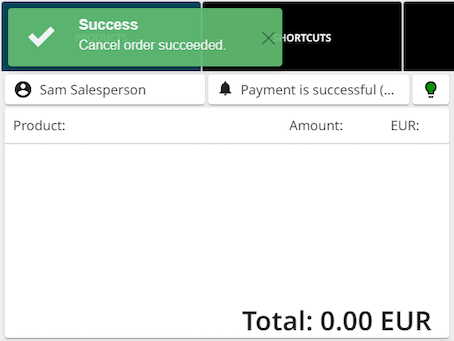
A separate pop-up notification will appear in top of the Basket to indicate that order cancellation was successful.
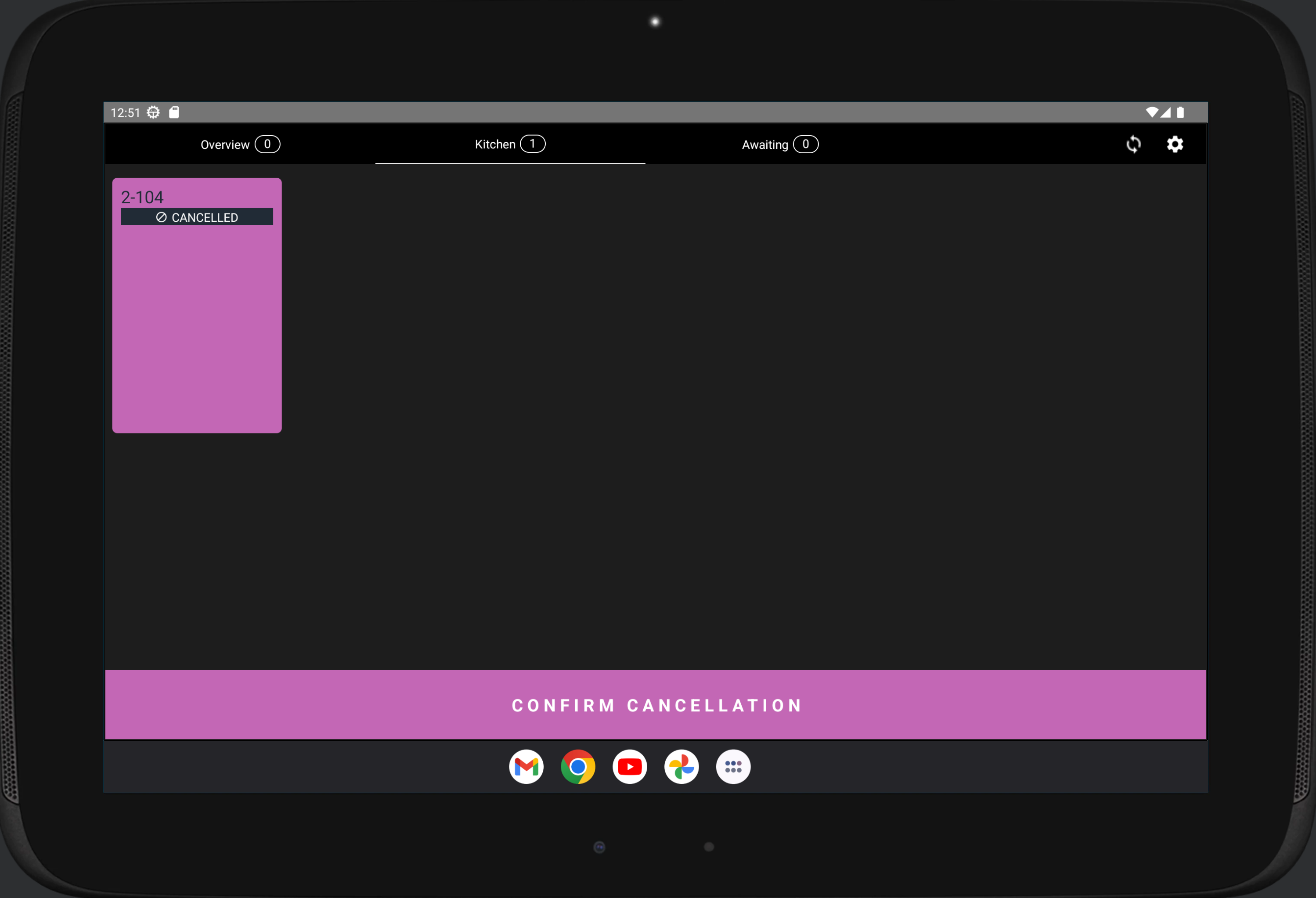
If a Kitchen Tablet is used, Kitchen staff must also confirm the cancellation by pressing Confirm Cancellation in the Kitchen Tablet.
If a Kitchen Printer is used, the cancellation of the order will be printed out.