
-
Add products to the Basket, and when ready, press the Start Payment tile.
-
Select the new currency payment method.
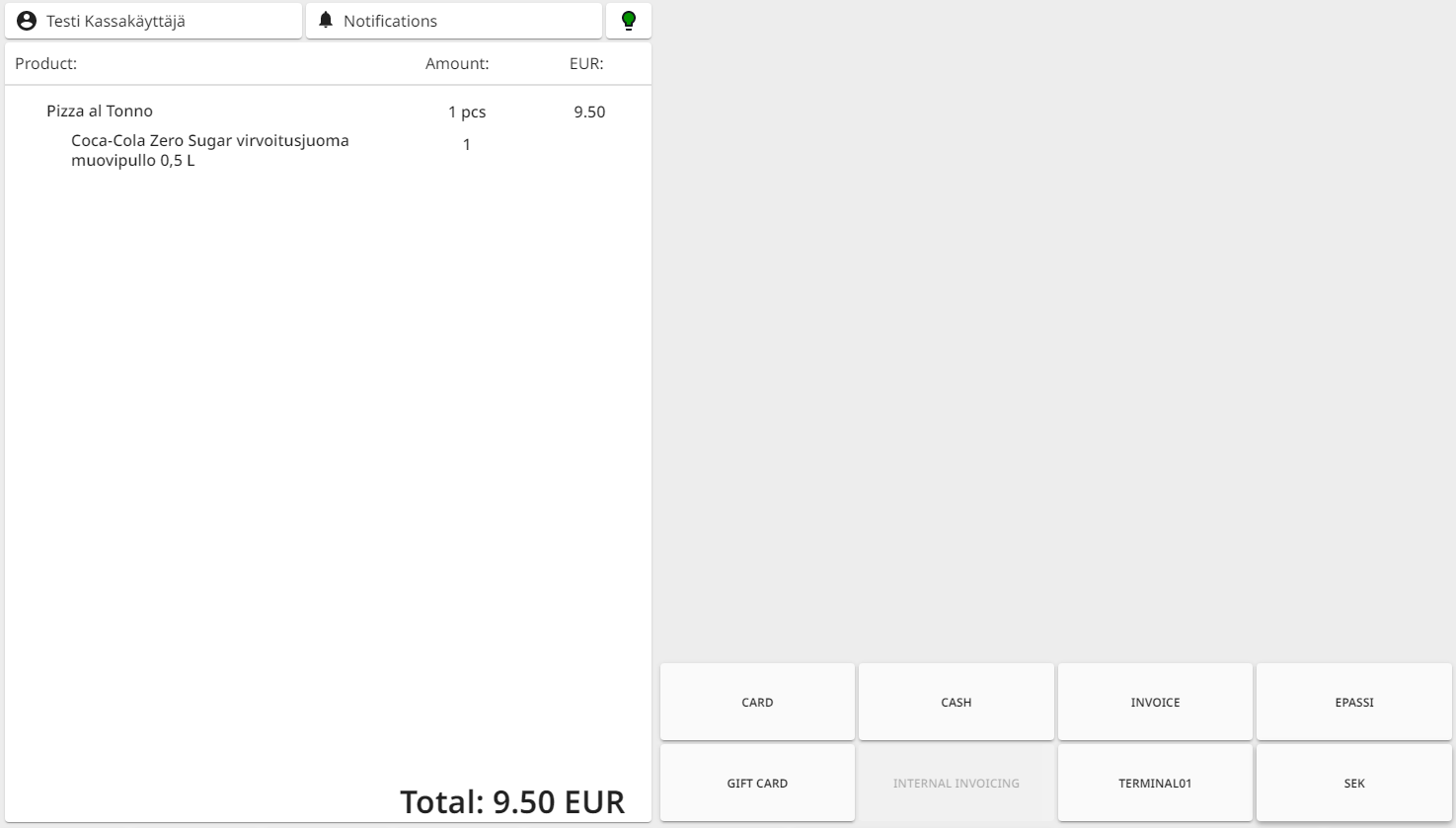
Selecting the payment method -
Enter the sum and press Accept.
-
If the amount the customer pays with the currency is greater than the total sum of the Basket, the cashback amount will be displayed in Main currency.
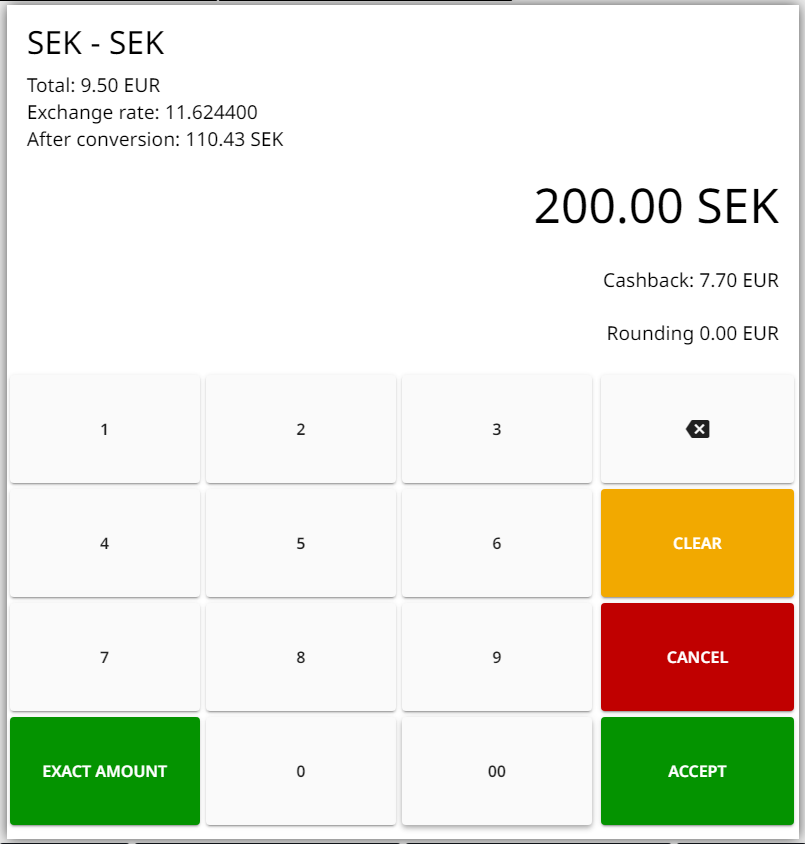
Entering the amount paid in currency 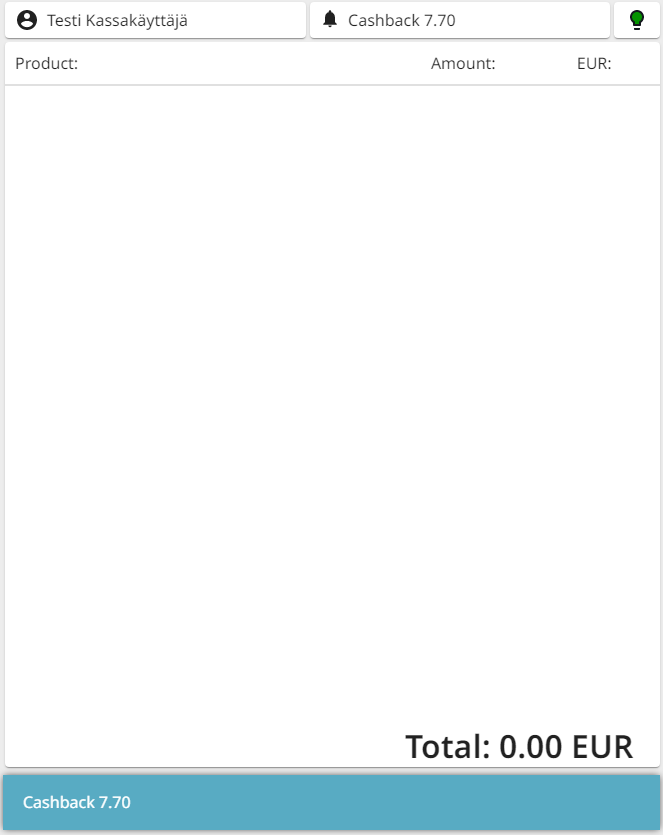
Basket after payment, with cashback amount displayed -
If the amount the customer pays with the currency is less than the total sum of the Basket, the rest of the sum that needs to be paid with the Main currency will be displayed in the Basket.
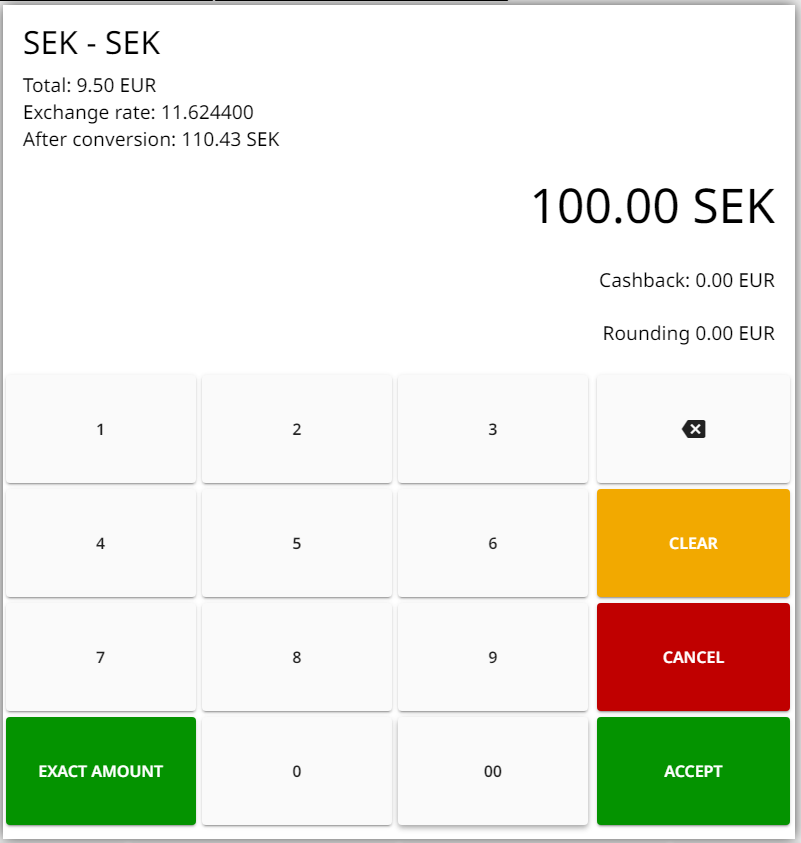
Entering the amount paid in currency 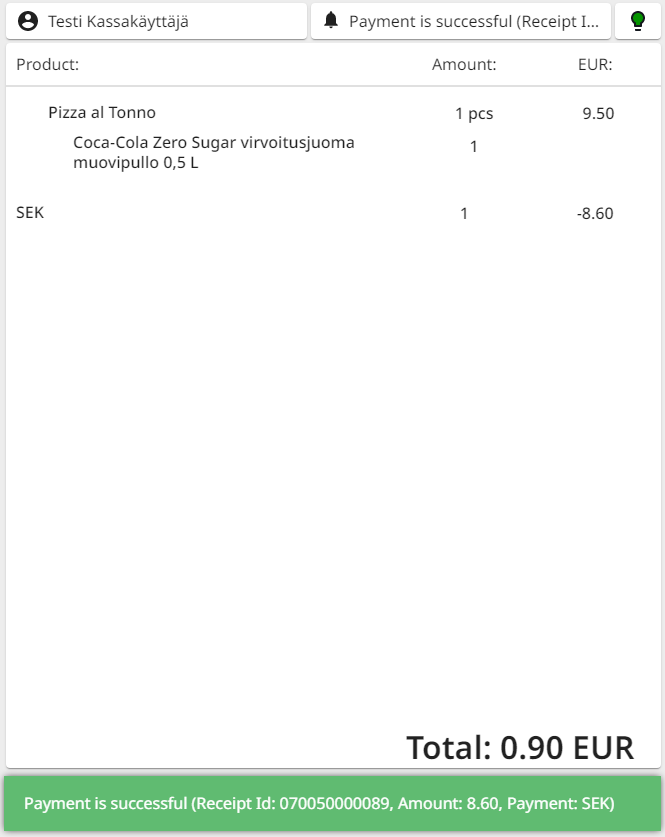
Basket after payment, with rest of the sum which needs to be paid displayed Select another payment method (Cash, Card…) so that the rest of the total sum will be paid.
-