
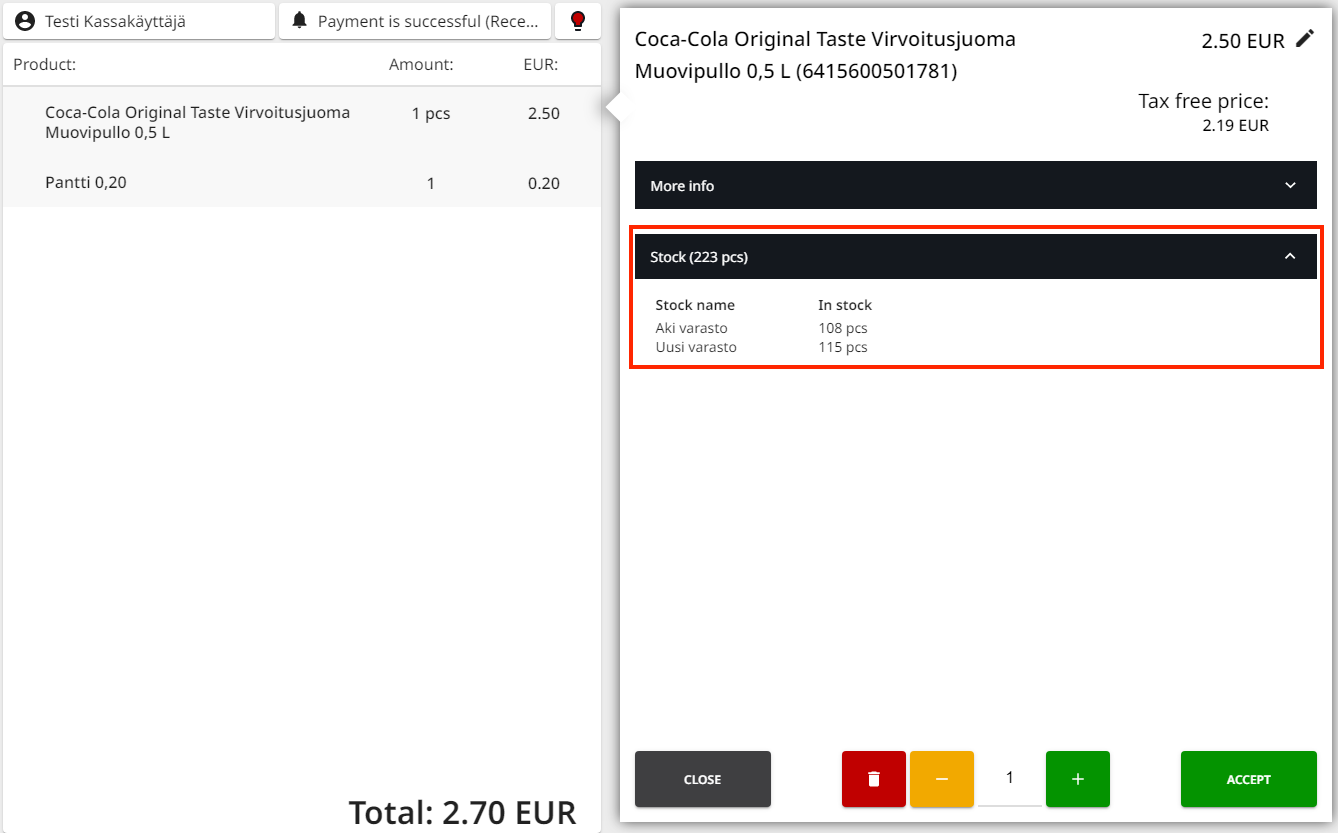
You can check the current stock balance of a product in the Basket by clicking a product row, and then clicking More Info → Stock in product information. The following information is displayed:
-
the total stock balance of the product in all the stocks in the company
-
stock-specific balances for the product
With this function you can
-
check whether some products are running low or are completely out-of-stock in the Store, and
-
inform the customer whether a certain product which is out-of-stock in your Store might be available in other Stores.