
If using a changing cash float on POS is necessary, it is possible to make additions to the cash float at the start of day with the Money In functionality, and deduct from the float at the end of day with the Money Out functionality.
-
Press Menu and select Money In or Money Out (or press a separate action tile, if it has been added to the POS layout)
-
Select the Reason for the Money In/Out transaction.

Selecting the reason for the transaction -
Enter a Description (may be optional), and enter the amount which will be deducted from (Money Out) or added (Money In) to the POS total balance.
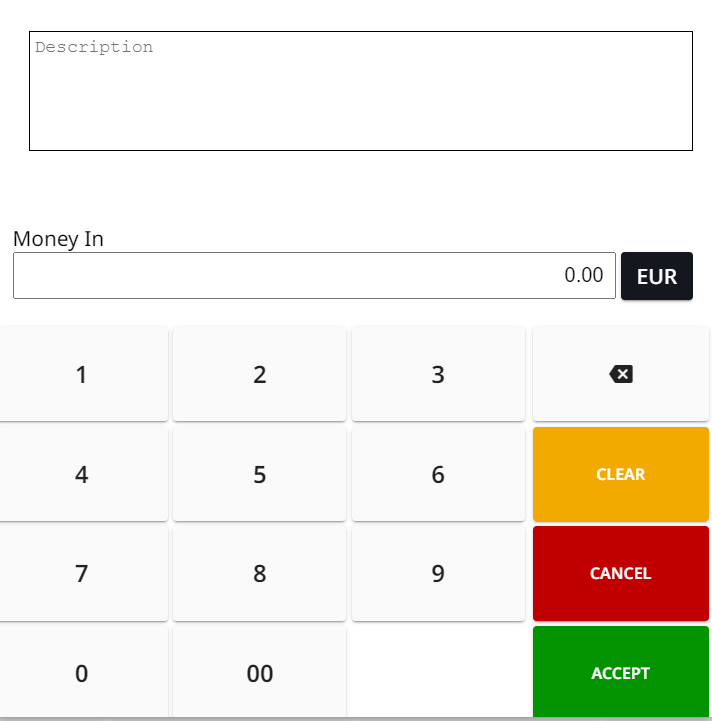
Enter description and amount to be added/deducted -
Press Accept to finalize the action.