
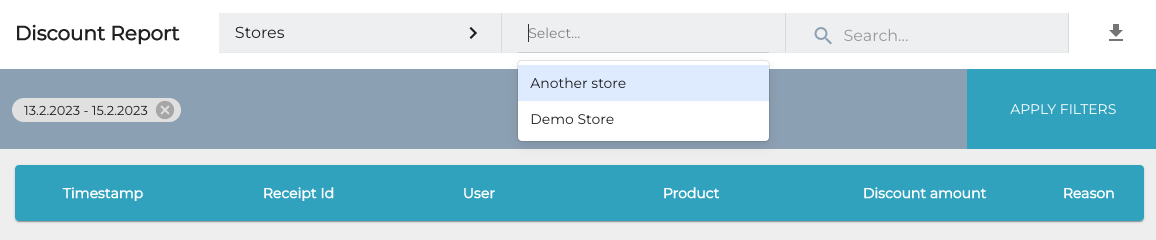
Filtering Discount Reports by Stores
You can now filter the Discount Report view in the Back Office by using Store(s) as filtering criteria.
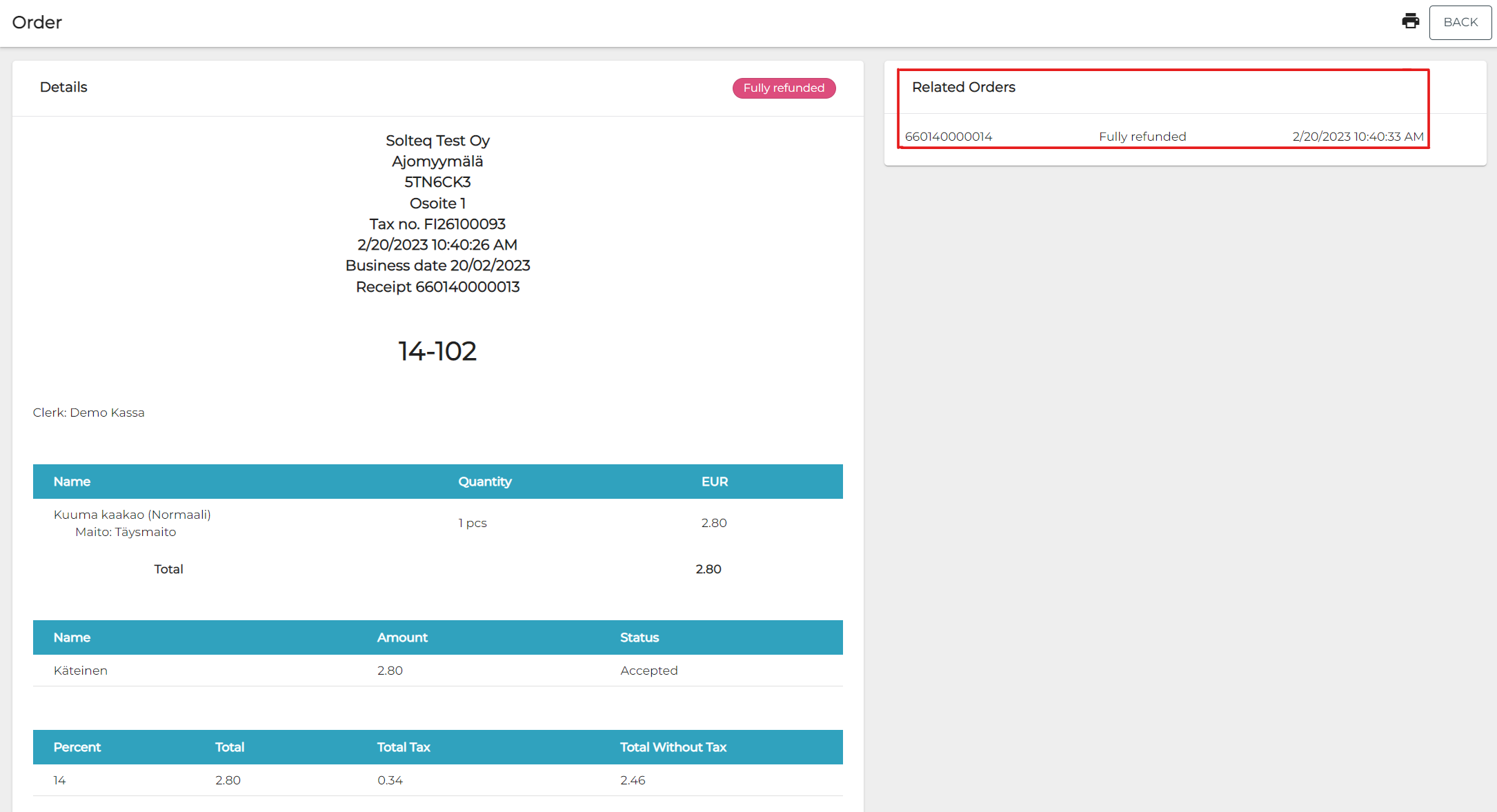
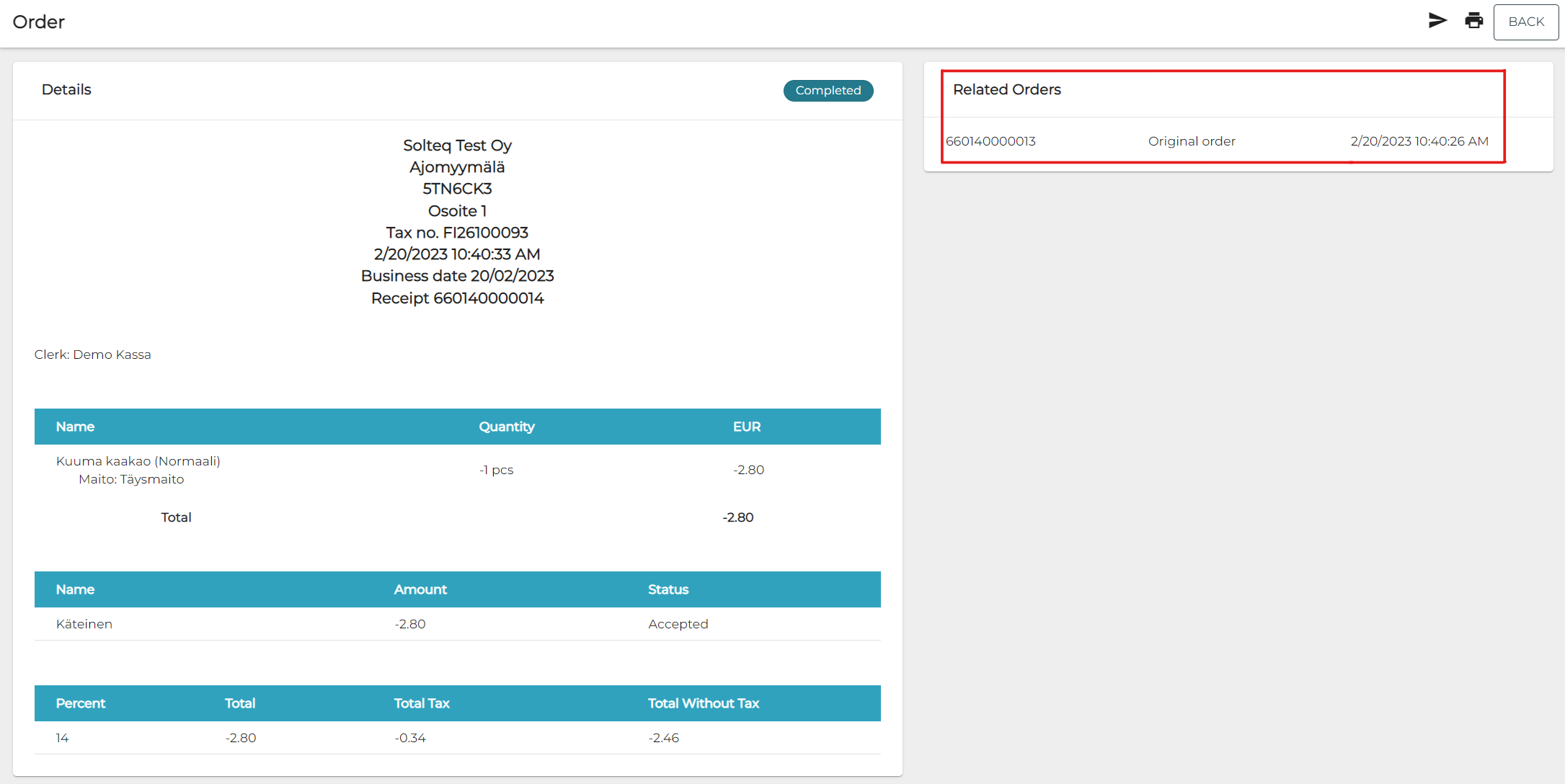
Refunded Receipt’s Number in the Refunding Receipt
The number of a receipt which has been refunded is now visible in the receipt which is printed out when the refund is made.
Customer Search Using Name in Fast Contact Meal App
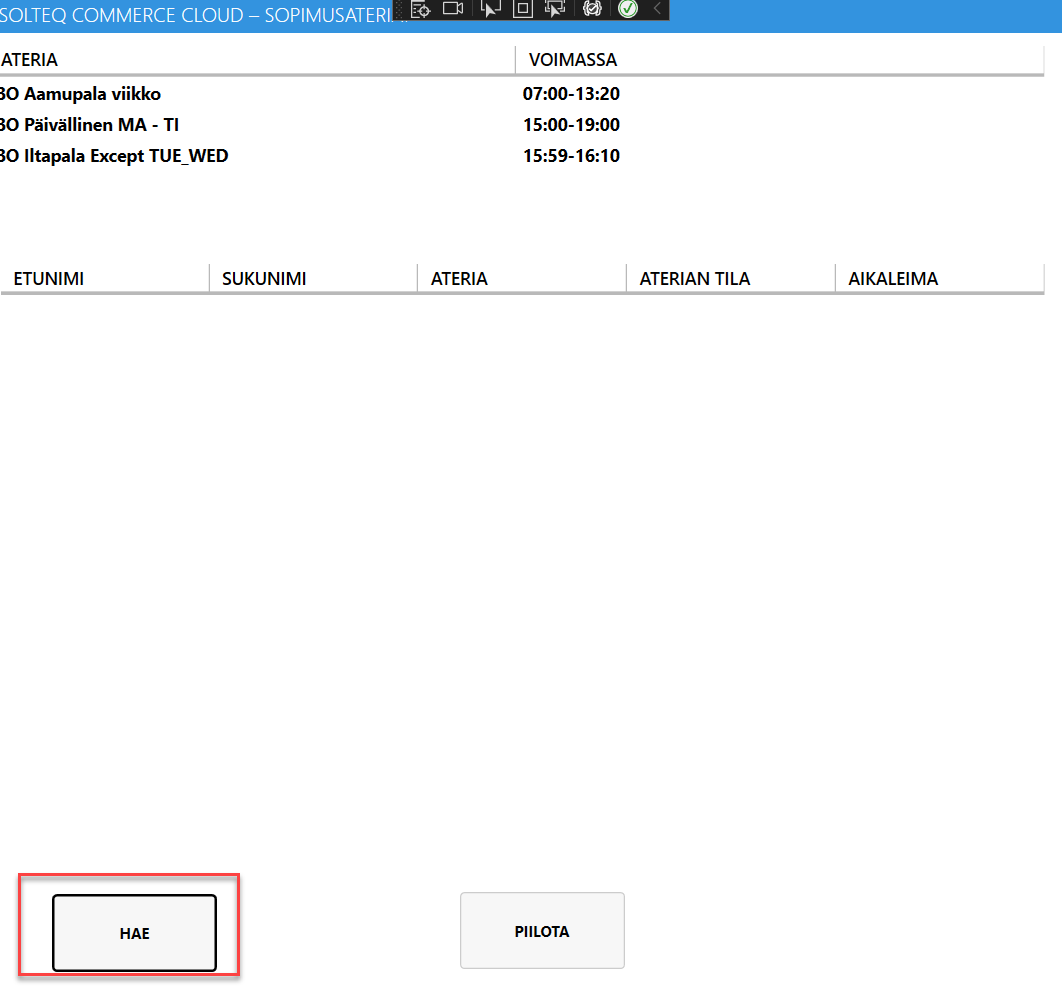
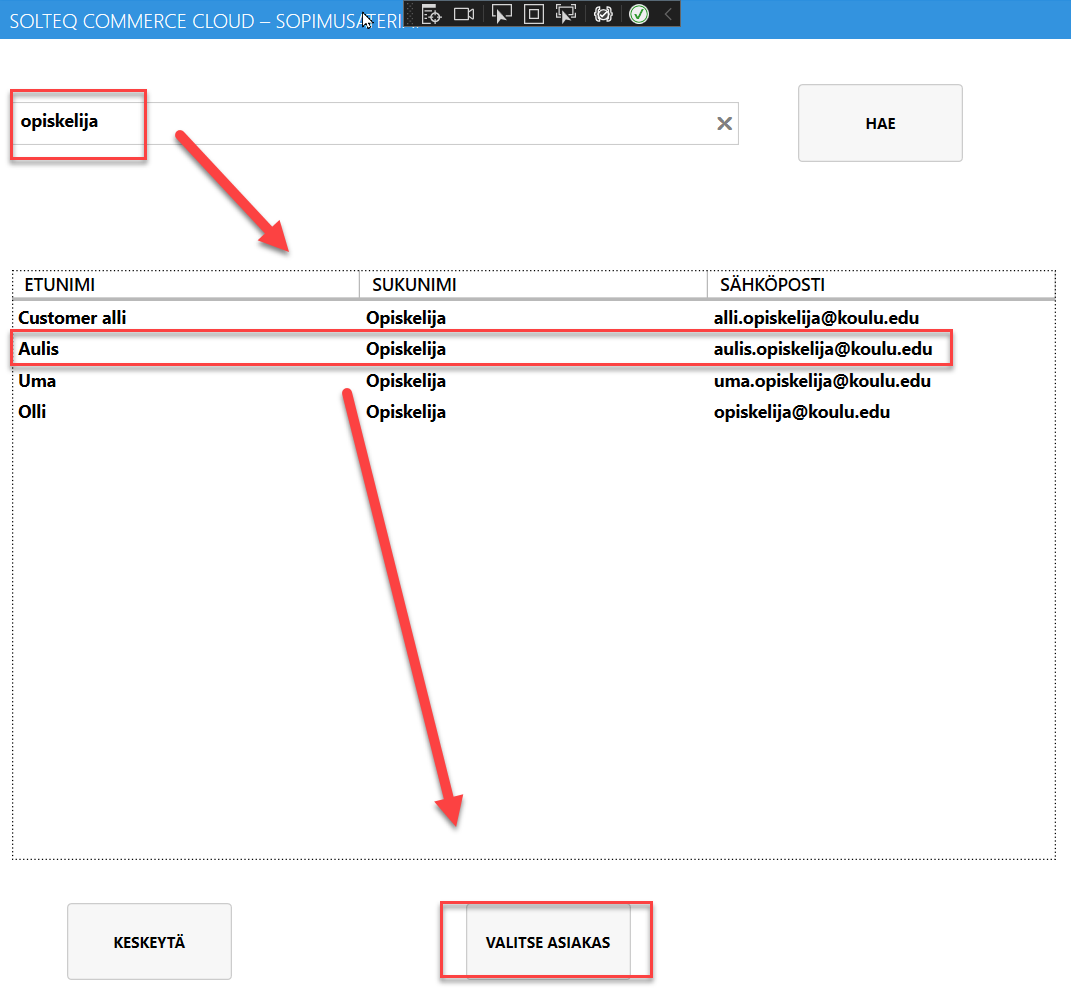
Searching for customer with customer’s name as the search criteria is now possible when using the Fast Contact Meal app. This feature can be used in cases where a customer has forgotten his/her student ID card, for example.
To use the feature, first press the Search button in the Fast Contact Meal app.
Then enter the name of the customer (fully or partially) and press the Select Customer button.
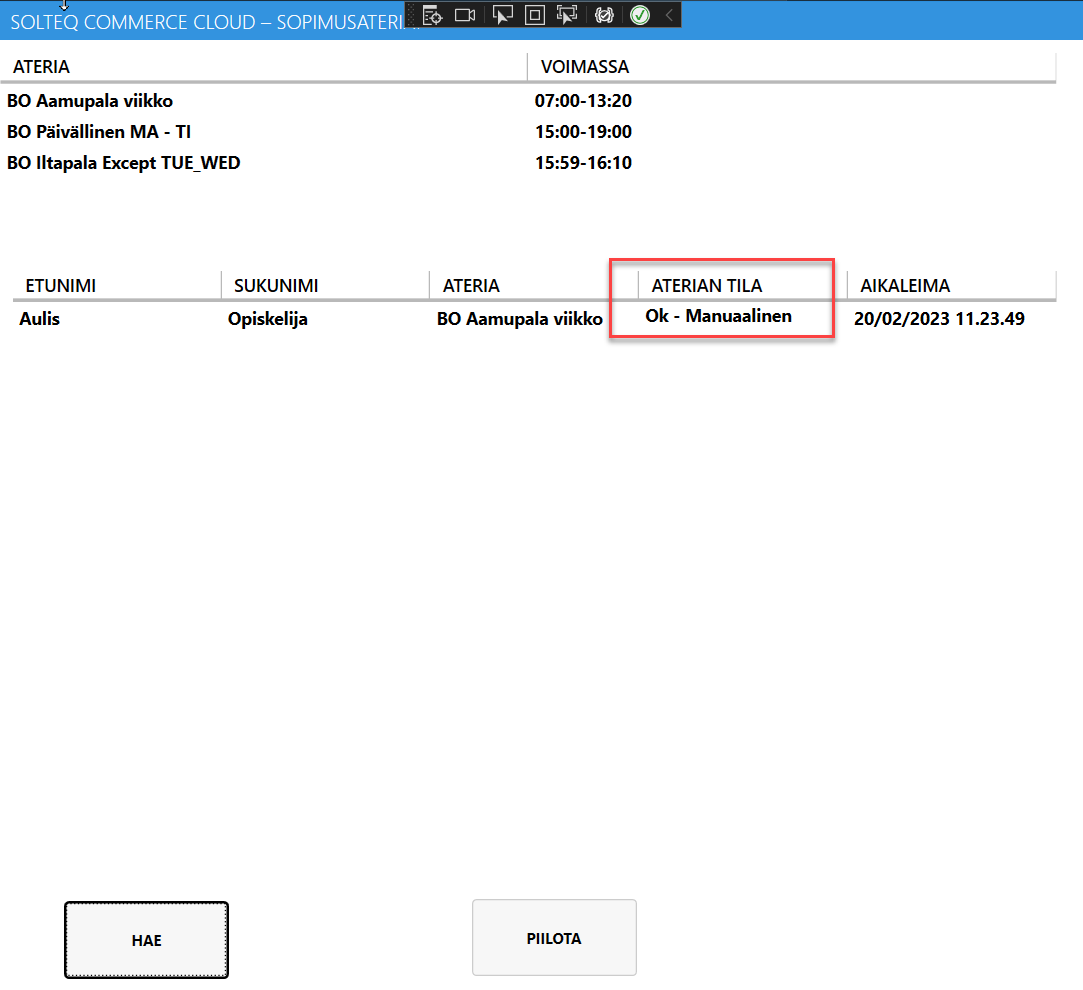
After this, the information that the customer was manually searched and selected is displayed on the screen.
Automatic Acceptance of Purchase Orders via API
Purchase orders can be automatically accepted via API.
Contact Solteq Customer Support to configure this feature.
Alphabetical Ordering in Configurations
To improve usability, Companies, Stores, Webshops, Workstations and Mobile POS devices in the Configurations view are now ordered alphabetically. This is also applied when you use the Show Related option.
Other Improvements and Fixes
-
Corrected the problem which caused Rentle orders paid on workstation to have missing cost unit for payments.
-
Empty taxcodes are not allowed anymore for Company Customers.
-
Corrected the problem which caused inprice change and history not work in Stock Insight.