
If the Allow Reload setting in the gift card template has been enabled, gift cards using that template can be reloaded on POS.
-
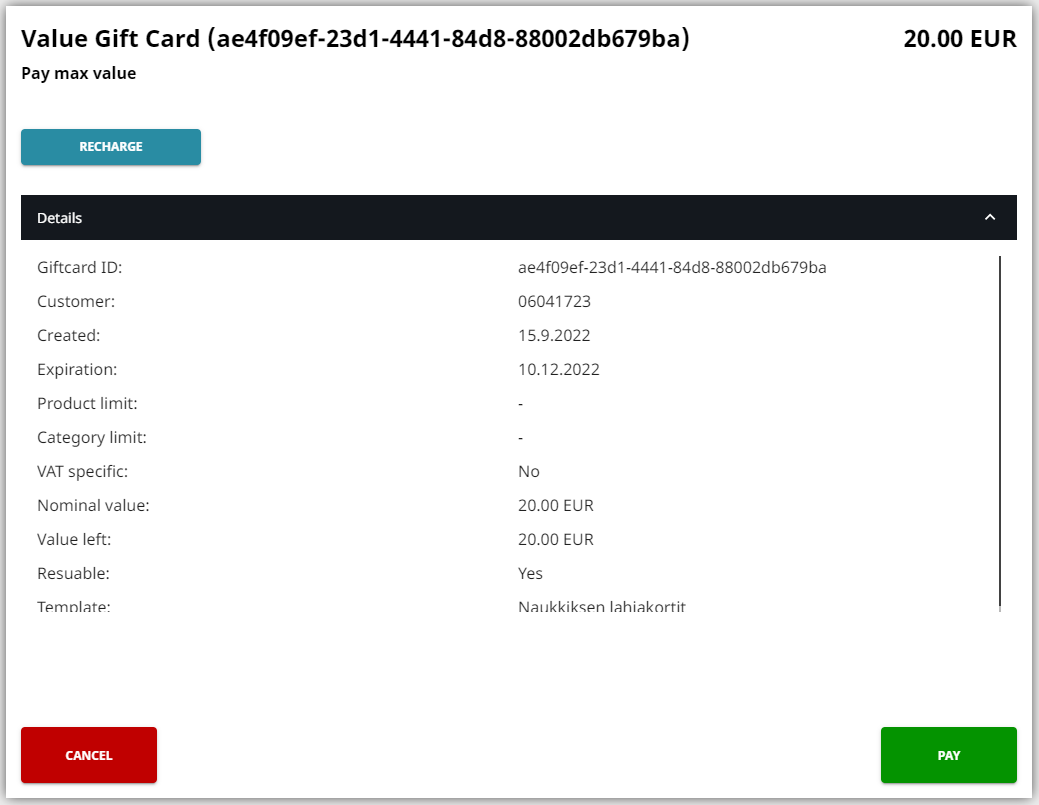
Scan the gift card QR code or barcode. Gift card details are displayed.
-
Click Recharge.
-
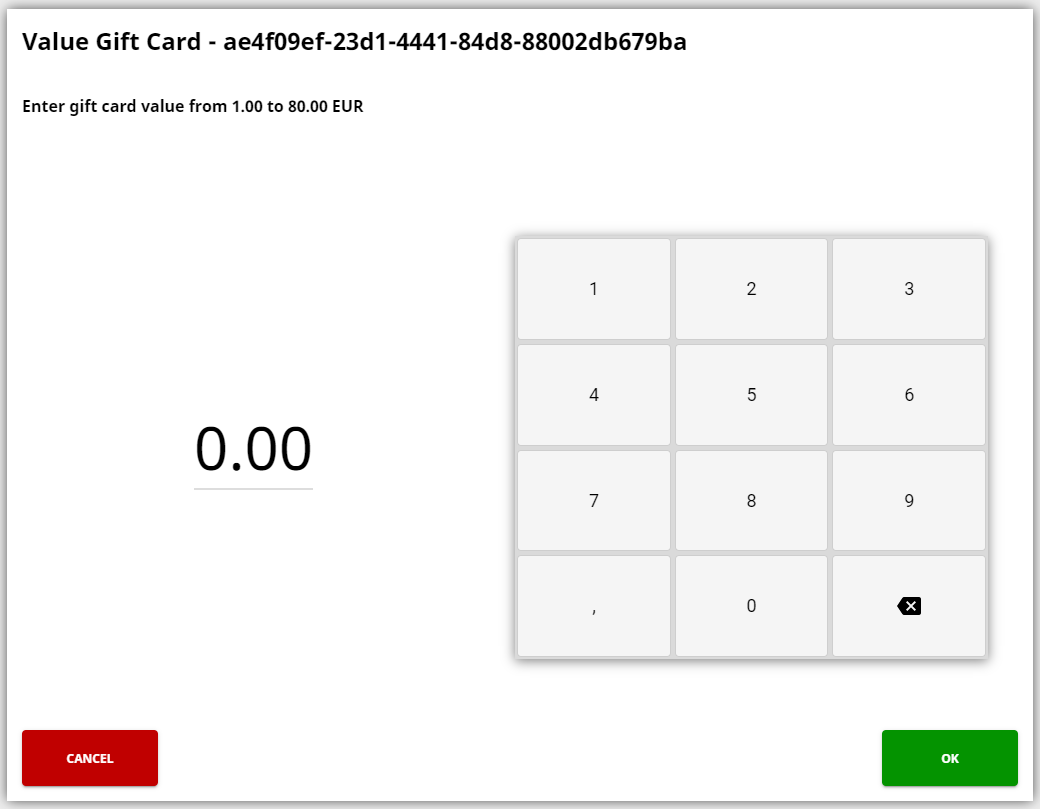
Enter the amount to be recharged to the card and click OK.
-
The recharge product with the price you entered has now been added to the Basket. You can add more products, or proceed to the payment.