
This feature can be used if the Use extended order park search on POS setting has been enabled in Company Configurations.
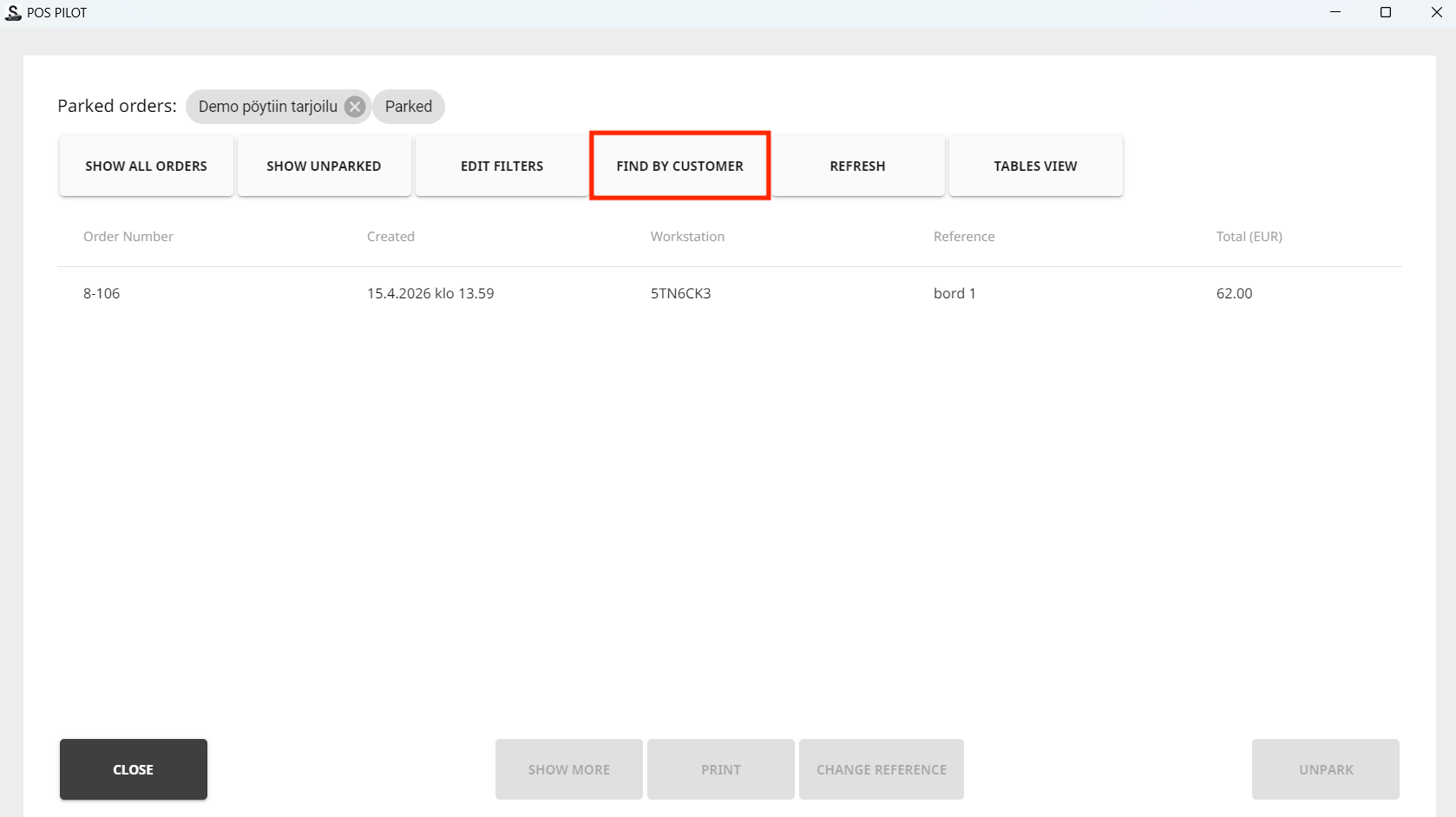
Press the Find by Customer tile to display the Extended Customer Search view in Parked Orders.
When you press the tile, the Find Customers view is displayed. You can search for customers using the following search criteria:
-
Name (First, Last and Company Name)
-
Phone number
-
City
-
Postal code
-
ExternallD
-
Email
-
Tax code
-
Reference
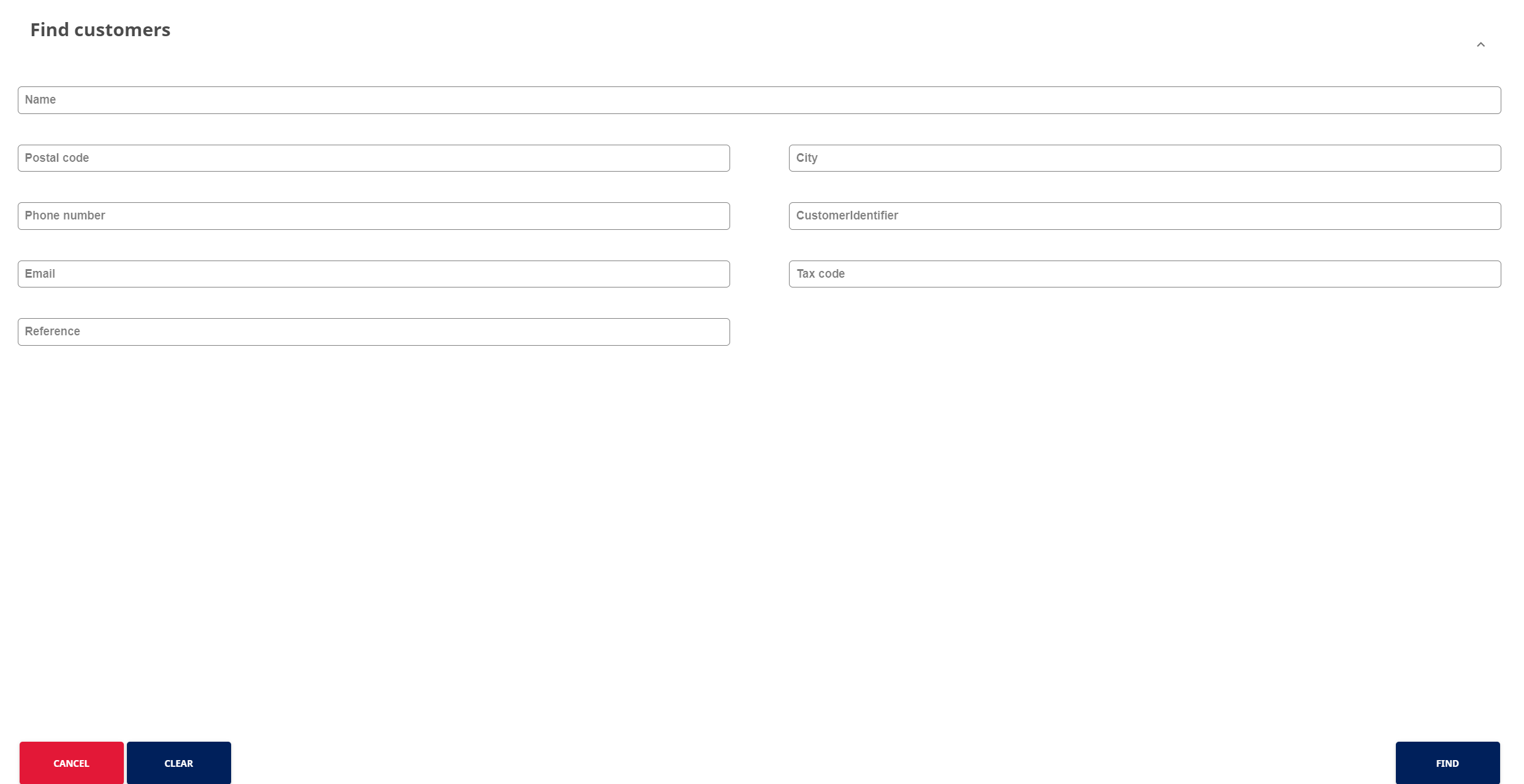
Extended customer search