
-
When there are products in the Basket, press Park Order.
-
Enter a reference note (optional).
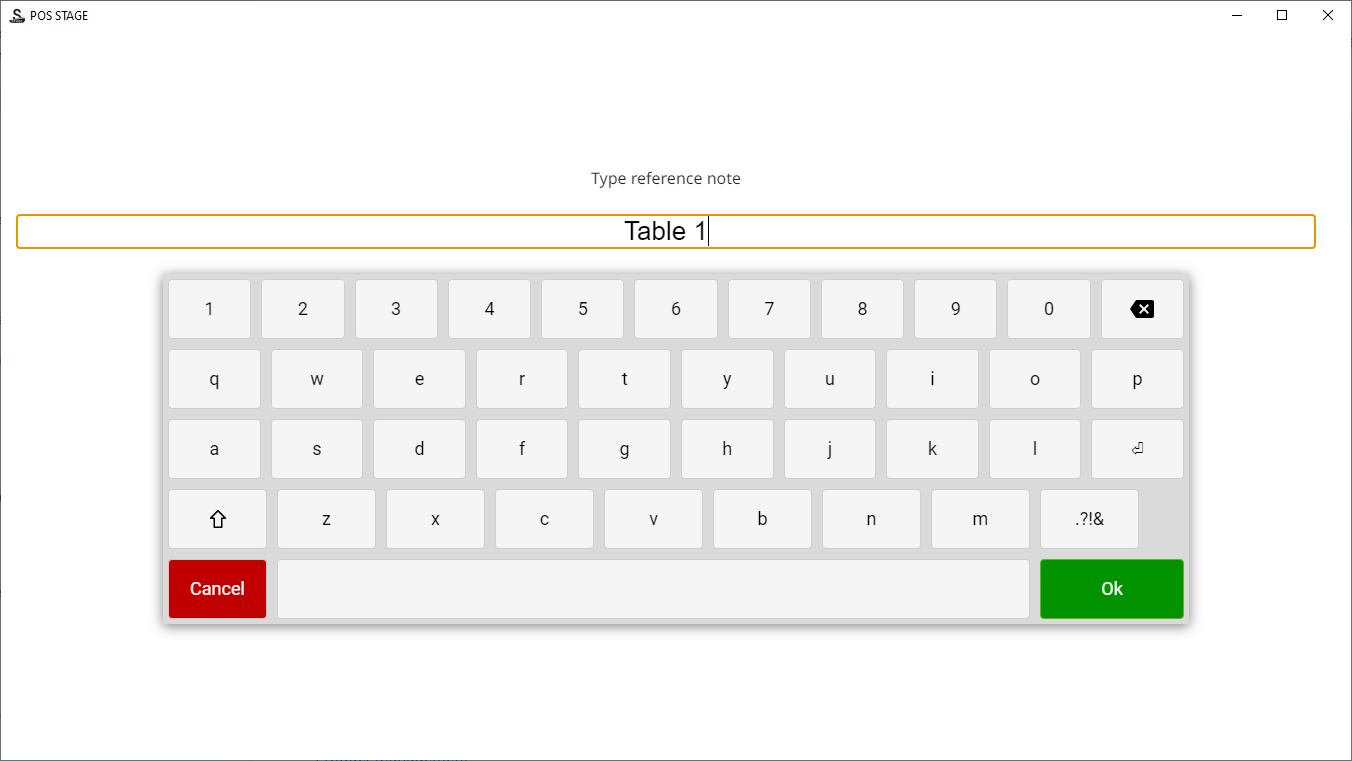
Entering a reference note for a parked receipt -
Press Enter. The Basket is emptied, and the text Order parked is displayed in the Basket.
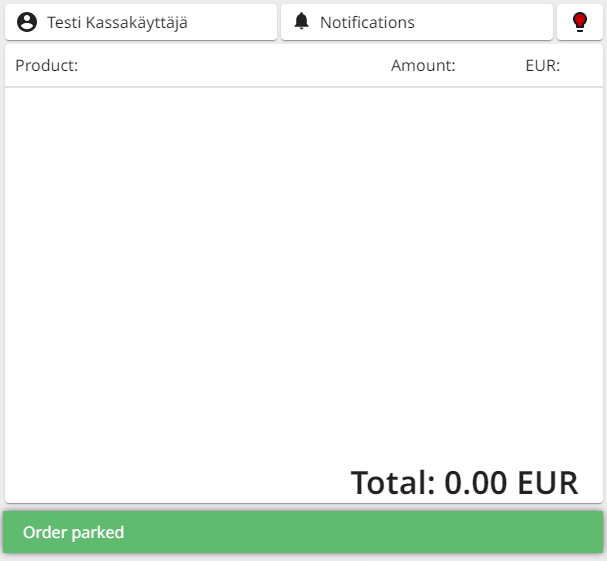
Basket with Order parked notification