
If you are unable to find a parked order which should be visible in the Parked orders list, this may be because
-
the order has been unparked on another POS, or
-
there has been a synchronization error between POS and the Solteq Commerce Cloud Back Office, or
-
the POS was frozen after unparking an order, and had to be restarted by force.
In this case:
-
Press the Show Unparked tile in Parked orders view to display the list of unparked orders.
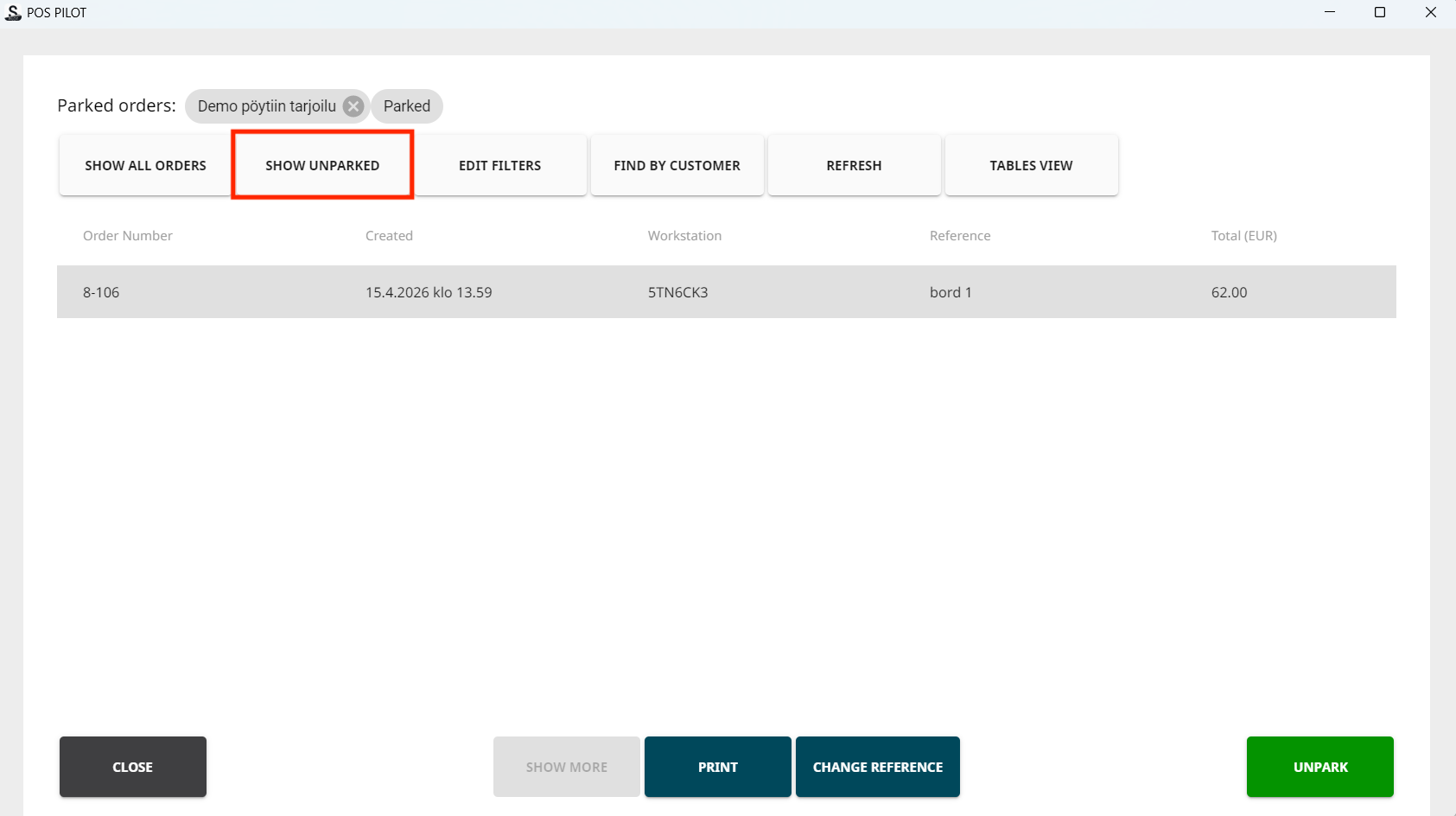
Show Unparked tile -
Select the order you want from the list to continue with it.