
-
When the Basket is empty, press Parked Orders. Parker Orders view is displayed.
-
You can use the Edit Filters tile to change the filters used in the view
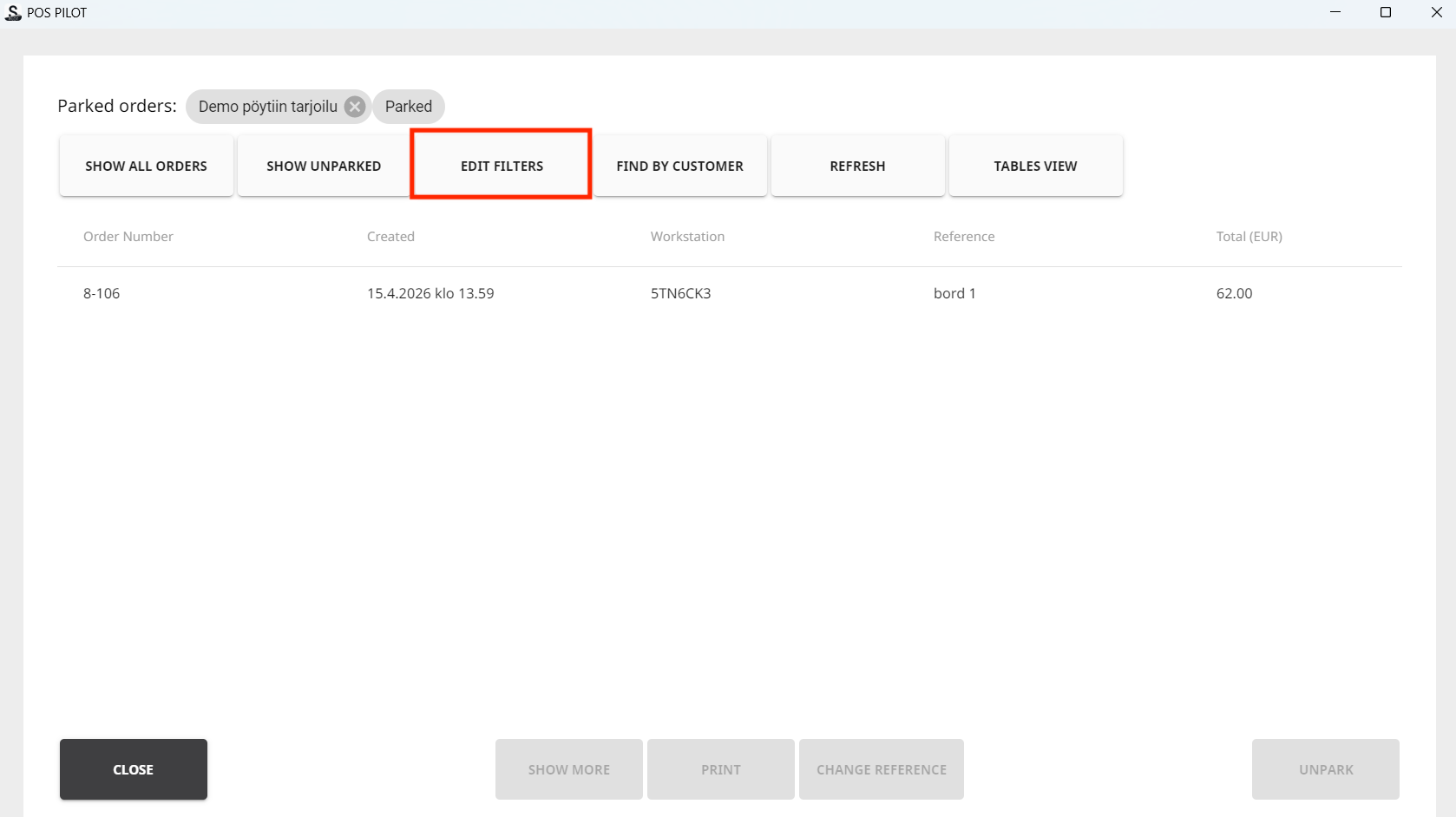
Edit Filters tile in the Parked Orders view
-
-
Select the order you want to unpark and press Unpark.
-
You can also Print the order or Change Reference of the order, if needed.
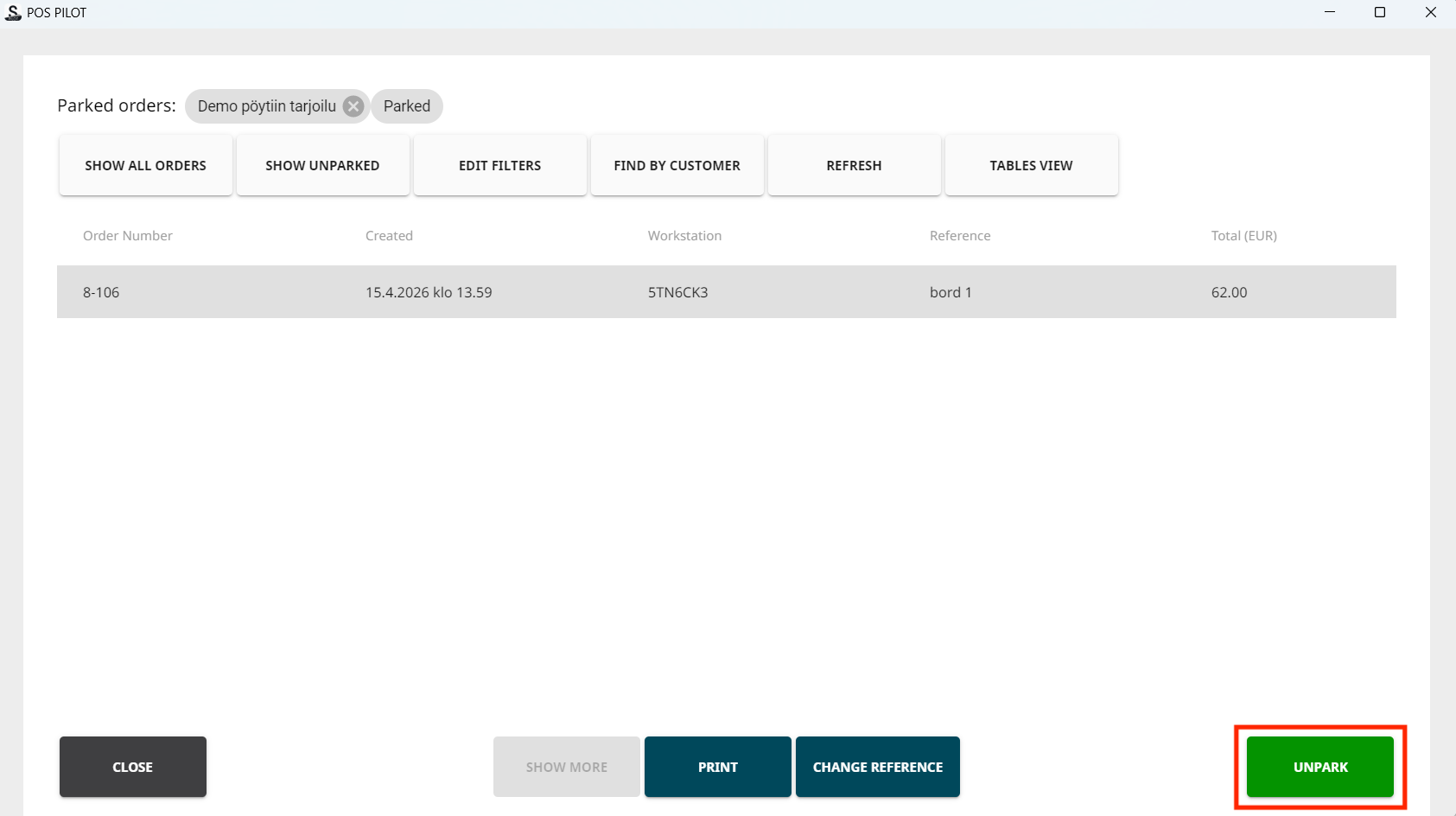
Unparking the selected order
-
-
The order is again displayed in the Basket.
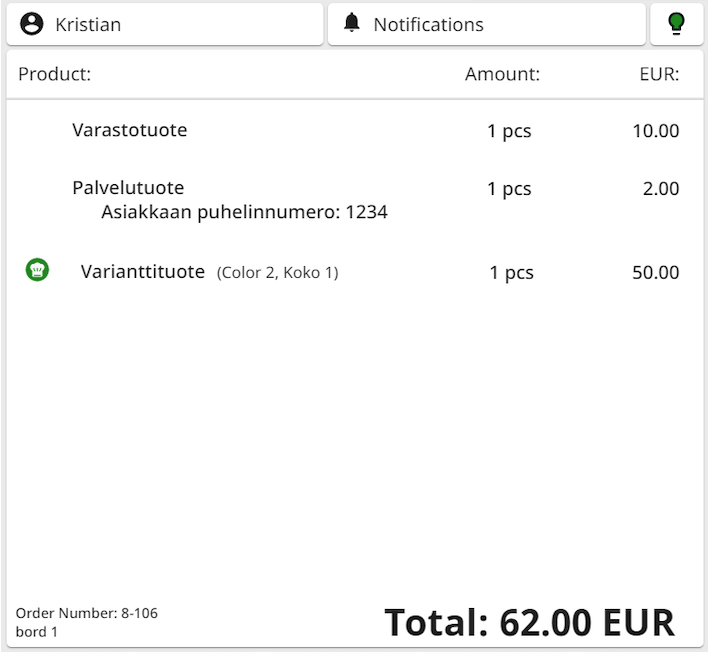
Unparked order returned to the Basket