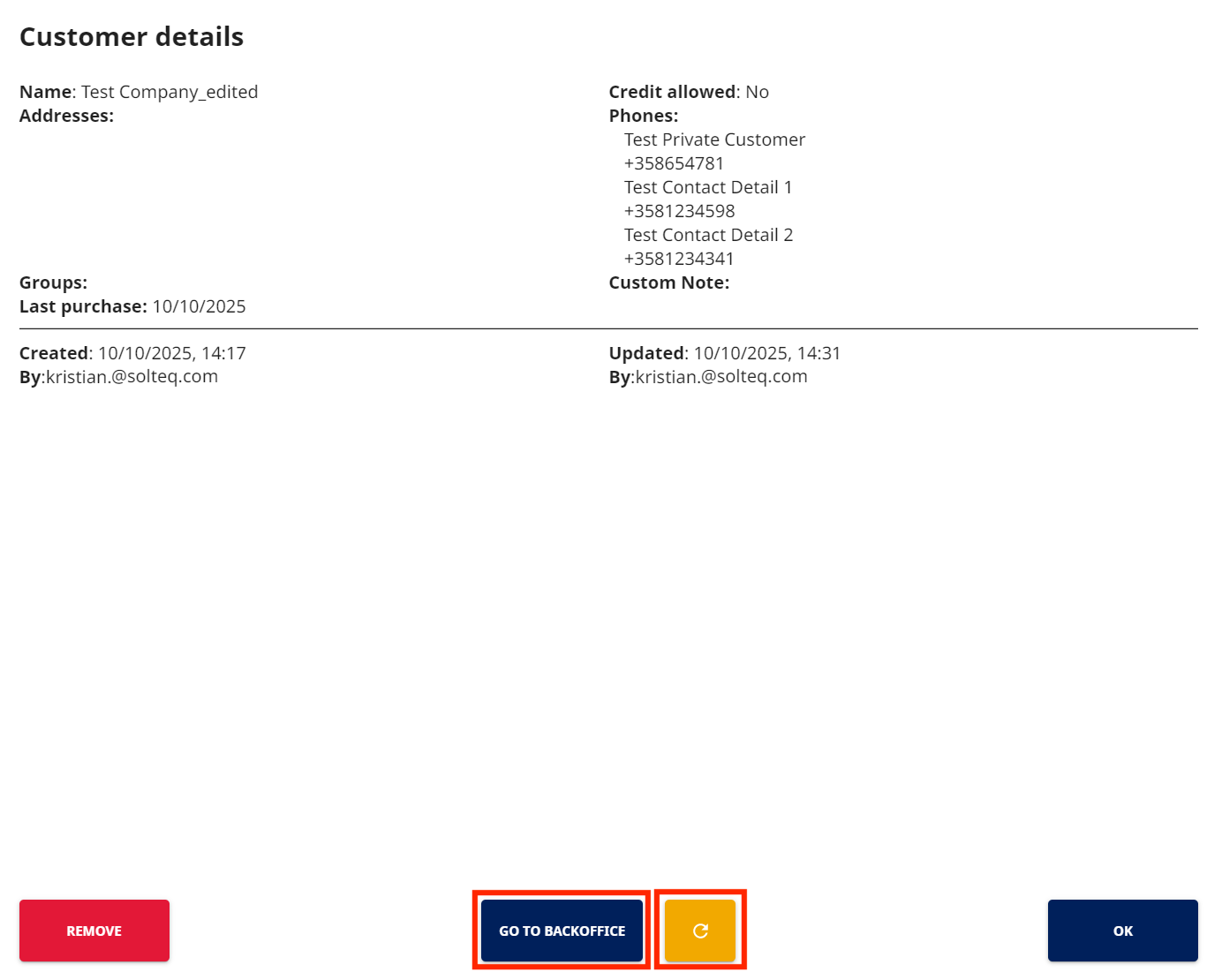
To view customer details in POS, press the row of the customer in the Basket. Customer details are displayed.
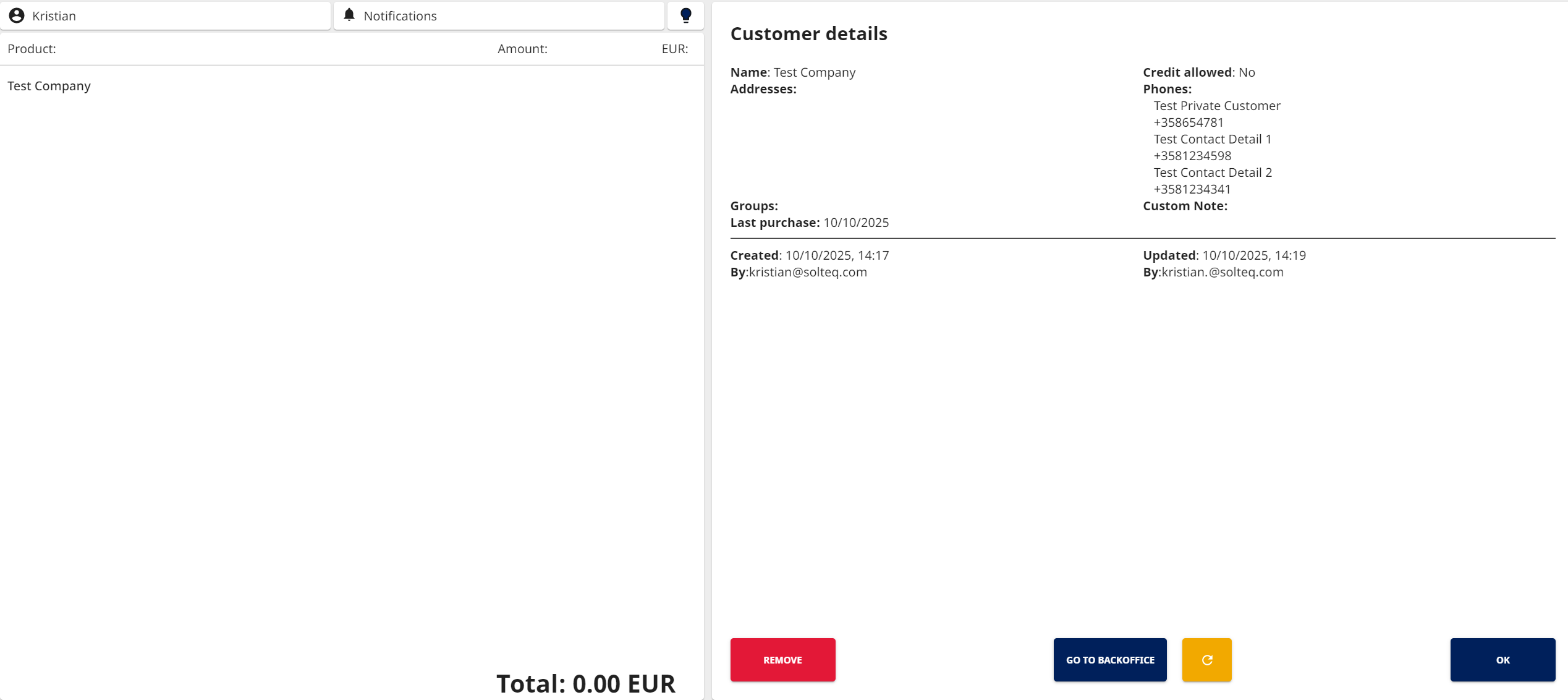
The following customer details are visible in customer information in POS:
-
Customer name
-
Customer’s address(es)
-
Groups the customer belongs to
-
Last purchase date of the customer
-
Last Purchase Date is set for orders made on POS. Other applications (for example Contract Catering) do not set it.
-
-
Credit allowed: Yes/No
-
Phone number(s) of the customer
-
Company Customer details displayed in POS include contact phone numbers.
-
-
Custom note
-
Date and time when the customer was added to Solteq Commerce Cloud, as well as the user who has added customer to Solteq Commerce Cloud
-
Date and time when the customer’s details were updated Solteq Commerce Cloud, as well as the user who updated the information
Editing Customer Details in POS
Customer Details in POS include a Go to Back Office tile. When pressed, it will display the customer’s profile information in the Back Office, if you belong to a user group with Read Customers permissions. If you belong to a group with Modify Customers permissions, you can also edit the customer profile data.
After you have changed customer details in the Back Office, press the Refresh button to display the updated information in the POS.